
Judge Protocols
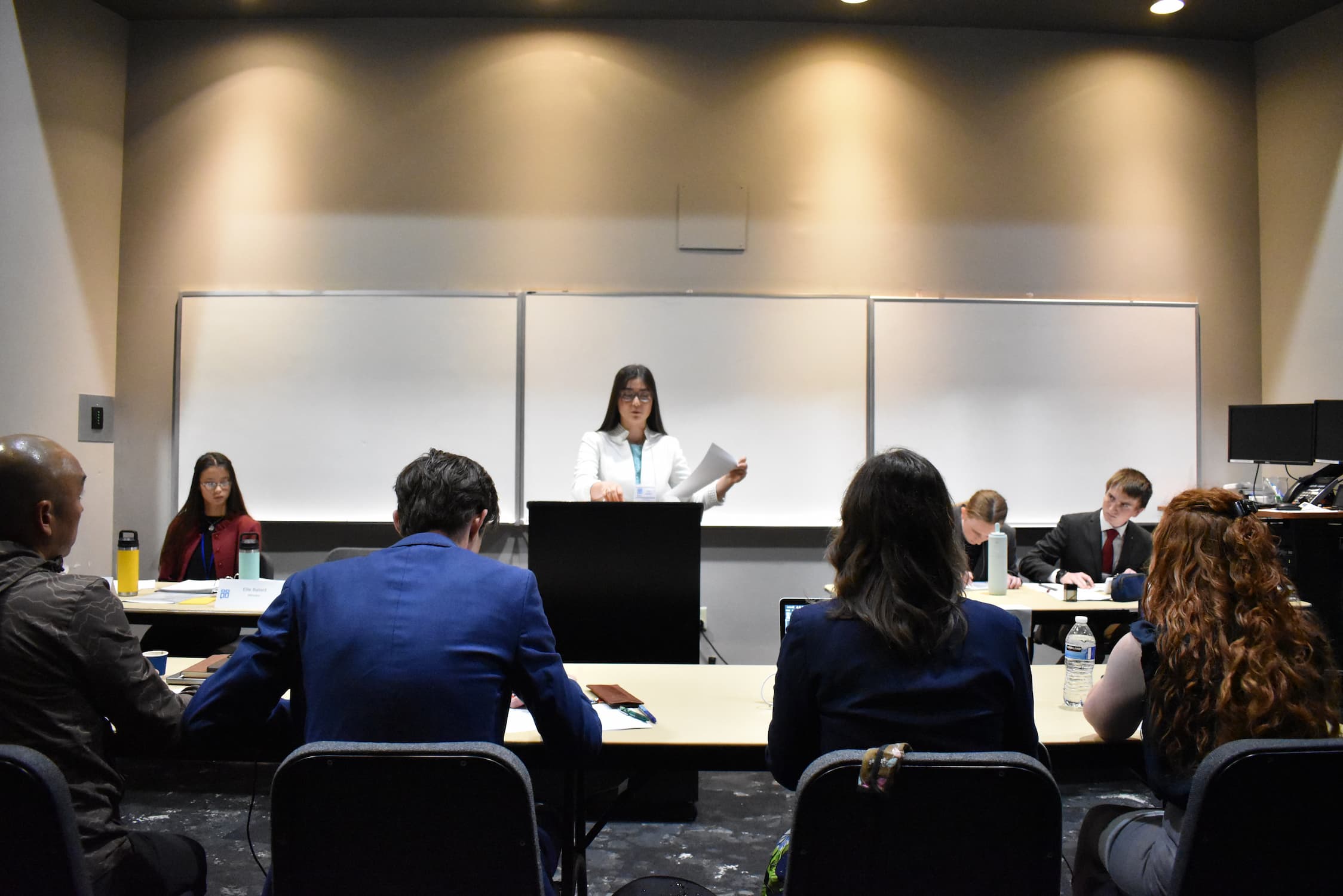
Volunteer judges are an essential part of every NCFCA tournament. Our protocols help ensure a smooth experience for our judges. Please read the steps below to get started.
League Policies
Please review the steps below to ensure a smooth judging experience at each tournament.
The Volunteer Judge Experience
Thank you for sharing your time with us!
We do not require any prior experience for eligible adults to judge speech or debate with NCFCA. Our competitors are training to talk to people from all walks of life, and they are blessed by feedback from new perspectives.
The 2-minute video linked below will explain the volunteer judge process and give you a preview of what to expect.
Check-in Instructions
Step 1 – Online Check In
You may check In online through your NCFCA MyPlace dashboard any time on the day you will judge. (You must check in on each day you plan to judge.)
- Select Tournaments from the left-side menu.
- Click the My Upcoming Tournaments dot in the top blue band.
- Click the Enter button for the specific tournament.
- Click on Adult Check-in from the left-side menu and follow the prompts to confirm your contact information and rounds.
- Click Agree for the waiver and complete the check-in process.
Step 2 – Arrival Check In
- For In-Person Tournaments, please check in onsite with our Welcome Team at least 45 minutes before your first round. We will confirm your online check in, provide your name tag, and give you further instructions.
- For Online Tournaments, please log into your NCFCA MyPlace dashboard and enter the tournament approximately 45 minutes before your each round to select a ballot. Our team will also be happy to see you in the online judge welcome room and answer any questions you may have.
How to Select a Ballot
When the ballots are ready, you will see the name of the round and a Select Ballot button in the Tournament Actions section of your dashboard.
- Click the button and select a ballot.
- Our system will show two competition room choices at a time with the names of the competitors.
- Click to accept a ballot that does not include competitors that you know on a personal basis.
- If you need assistance finding a ballot that works for you, please contact Tournament Administration via the Chat button.
In the event that you discover a conflict with your ballot selection, please contact Tournament Administration via the Chat button as soon as possible for assistance with a reassignment.
After Selecting a Ballot
- Once you have selected a ballot, you will see the room you have selected on your screen with a View button that displays participants. Please check again to be sure you do not have conflicts with competitors. In the event that you discover a conflict with your ballot selection, please contact Tournament Administration via the Chat button on the dashboard as soon as possible for assistance with a reassignment.
- There may be a waiting time while other judges select the rest of the remaining ballots.
- While you wait, you can read about your selected event and preview a sample ballot.
- This is also a good time to refill your beverage and prepare for the round which will take approximately 2 hours. Please do not leave the competition room during the round. If there is an emergency during a round, please contact Tournament Administration.
- When it’s time for the round to begin, you will receive a text and/or dashboard notification from Tournament Administration.
- In an in-person tournament, the button will change from “View Participant” to “Open Ballot” when the round is ready to begin. In an online tournament, the button will change from “View Participants” to “Open Room.”
How to Get Help
For an issue that must be resolved during the round
- At in-person tournaments, contact a member of our Communications Team, identified by green name tag inserts and stationed near your room.
- At online tournaments, change the room status to “Need Help” in the bottom right corner of your screen. If you are not able to use the functionality in the competition room, please try to use the Chat button on your dashboard and monitor your phone for contact from a tournament representative.
For help after the round is complete
- You may use the Chat button on your dashboard to contact Tournament Administration.
- At in-person tournaments, you also have the option to consult members of the Compliance Team, identified by yellow name tag inserts.
After the Round
- At the end of the round, please exit the competition room to finish filling out your ballot. For in-person tournaments, please remain at the facility until your ballot is submitted.
- You will receive a notification indicating the time when ballots are due. In order for the tournament to proceed in a timely manner, please prioritize your decision and speaker rankings, then provide as much additional feedback as time allows.
- Once your ballot is submitted, your work for the round is complete.
Interacting with Competitors
We ask that you not interrupt or ask questions of the competitors during or after the round. Speaking between judges and competitors should be limited to the competitor introduction, timing information, and any reasonable communication needed to deal with the logistics of the speaking situation.
Device & Technology Requirements
Our tournaments use electronic ballots, so judges must either have an approved device or make arrangements for one of our loaner devices.
Photography and Recording
- Please do not record the round or take photographs of the competitors.
- Please do not use your cell phone during the round unless you encounter an issue that requires a conversation with tournament administration.
Documentation of Volunteer Hours
If you would like a Volunteer Certification for your time, please contact our Judge Support Team.
Judge Policies
All volunteer judges are welcome to review our NCFCA Judge Policies which cover the following elements:
- Judge philosophy and eligibility
- Judge Training
- Judge Decisions
- Safety Requirements
- Avoiding Judging Conflicts
- Ballot Completion and Deadlines